 Moat
Moat
Our bias, stated plainly: Moat is our app, so we obviously think it's a strong choice. The checklist below is still the honest one — apply it to any authenticator you're considering, including ours. Competitor details reflect publicly documented behaviour as of June 2026 and may change; always check current documentation.
✦ Key takeaways
- ✓ TOTP is an open standard — switching apps never breaks your logins.
- ✓ The deciding question is backup: is it end-to-end encrypted, or can the provider read it?
- ✓ Google Authenticator exports every account as one QR code — moving takes one scan.
- ✓ Keep the old app until you've verified codes match; then retire it.
Why people look for an alternative
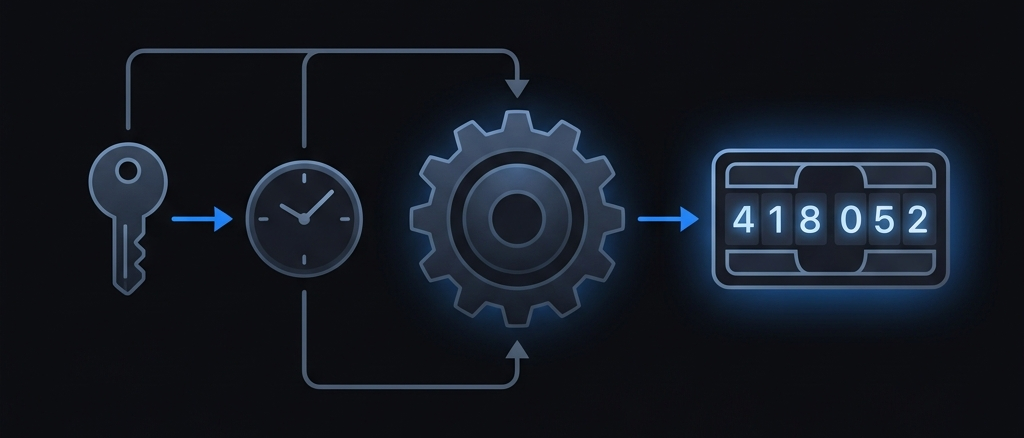
The codes themselves aren't the issue — every standards-based authenticator computes the same TOTP codes. The differences live around the codes:
- What happens when you lose your phone. For years, losing the phone meant losing every account. Cloud sync solves that — but it matters enormously how the backup is encrypted, and who holds the keys.
- Who can read your secrets. If a backup isn't end-to-end encrypted, the provider technically can. As of June 2026, Google's own help documentation does not describe Google Authenticator's account sync as end-to-end encrypted; our comparison table tracks this the same way.
- Lock and privacy basics. Things like Face ID lock, hiding codes from the app switcher, and no ad or advertising SDKs (any product analytics should be anonymous and opt-out).
The checklist for any authenticator
Whatever app you land on, it should clear all six:
- 1. Open standards. TOTP (RFC 6238) and HOTP (RFC 4226), so you're never locked in — and can leave as easily as you arrived.
- 2. Offline code generation. Codes must be computed on-device, no network involved.
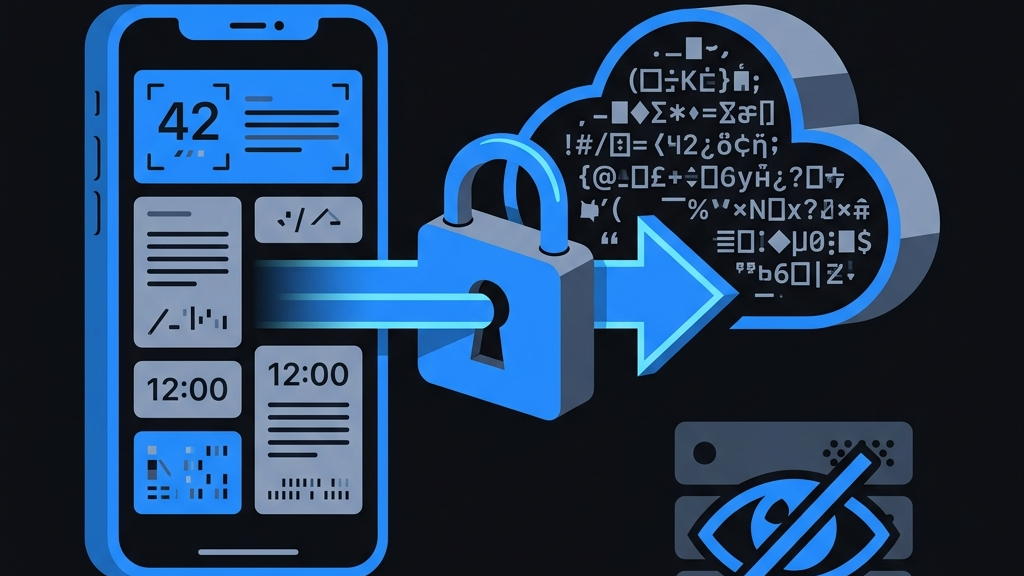
- 3. End-to-end encrypted backup. Encryption happens before upload, with keys derived on your device. "Encrypted at rest" on someone's server is not the same thing — here's the difference.
- 4. Zero-knowledge design. The provider should be architecturally unable to read your secrets — not merely promising not to.
- 5. A real export path. You should be able to get your secrets back out, anytime.
- 6. No ad trackers. A security app has no business shipping advertising or cross-app tracking SDKs; any product analytics should be anonymous and opt-out.
Moat's answers to all six are documented on the security page — on-device Keychain storage, AES-256-GCM end-to-end encrypted backup, PBKDF2 key derivation per OWASP guidance, and no ad trackers.
How to switch (about a minute)
- 1. In Google Authenticator, tap the menu and choose Transfer accounts → Export accounts. It displays a QR code containing all your accounts.
- 2. In Moat, choose import and scan that QR code — or import a screenshot of it. Every account comes over with its name and secret intact.
- 3. Check a few codes side by side — they should match exactly, because both apps implement the same standard.
- 4. Once verified, delete the accounts from the old app (or the app itself), and turn on encrypted backup in Moat so a lost phone never locks you out again.
Switching phones instead of apps? The same export trick is the backbone of moving 2FA to a new device — full walkthrough in our new-phone guide.
The short version
You're not choosing who makes your codes — the open TOTP standard does that. You're choosing who you trust around them. Demand end-to-end encryption, zero-knowledge design, a real export path, and no ad tracking. If an app can't clearly answer "can you read my secrets?" with architecturally, no — keep looking.